xia@lemmy.sdf.org to Memes@lemmy.mlEnglish · 2 years agoNotepad.exelemmy.sdf.orgimagemessage-square101linkfedilinkarrow-up1828arrow-down110
arrow-up1818arrow-down1imageNotepad.exelemmy.sdf.orgxia@lemmy.sdf.org to Memes@lemmy.mlEnglish · 2 years agomessage-square101linkfedilink
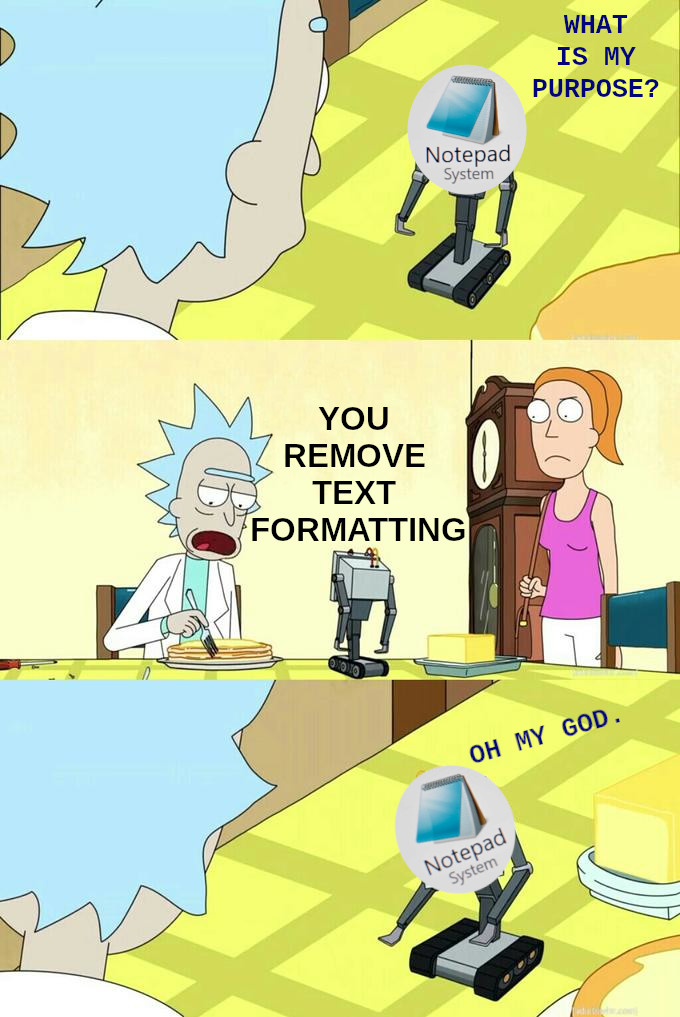
minus-squareAlexstarfire@lemmy.worldlinkfedilinkarrow-up51·2 years agoSadly, doesn’t work everywhere. Sometimes, this is still necessary.
minus-squareUnculturedSwine@lemmy.dbzer0.comlinkfedilinkEnglisharrow-up30·2 years agoFunny enough, I’ve found Microsoft apps are the most inconsistent with this functionality
minus-squaregray@pawb.sociallinkfedilinkarrow-up5·2 years agoYeah this doesn’t work anywhere in Office apps Never in my entire life have I wanted to paste with formatting into a word doc, and you always have to click the stupid little clipboard icon after you paste to undo it.
minus-squareRunJun@lemmy.dbzer0.comlinkfedilinkEnglisharrow-up14·2 years agoYes and after learning of the shortcut, it actually makes me angrier when I get formatted text.
minus-squareshadshack@sh.itjust.workslinkfedilinkarrow-up4arrow-down1·2 years agoCtrl + Win + Alt + V works everywhere I’ve tried it.


Sadly, doesn’t work everywhere. Sometimes, this is still necessary.
Funny enough, I’ve found Microsoft apps are the most inconsistent with this functionality
Yeah this doesn’t work anywhere in Office apps
Never in my entire life have I wanted to paste with formatting into a word doc, and you always have to click the stupid little clipboard icon after you paste to undo it.
Ctrl + Alt + V
Yes and after learning of the shortcut, it actually makes me angrier when I get formatted text.
Ctrl + Win + Alt + V works everywhere I’ve tried it.